The Fight for Your Mobile Gaming Dollar
At a macro level, there really aren’t all that many viable gaming notebook options. These days, Sandy Bridge processors rule the roost in notebooks, with the quad-core variety handling everything from single-threaded to multi-threaded workloads with aplomb. On the graphics side, you can try to get by with midrange mobile GPUs, but if you’re serious about mobile gaming you’ll want at least something from NVIDIA’s GTX line or AMD’s 6900M alternatives. Take the CPU and GPU; match them up with reasonable memory, storage, display, and other accoutrements; and you’re all set. That all works very well in the desktop world, even if it glosses over many of the finer points that separate the contenders from the pretenders. In the mobile world, however, the little things matter.
Modern computers are very modular by design. We have standards for power, memory, storage, and peripherals and you can generally choose what fits your needs. With notebooks, however, a lot of flexibility gets sacrificed in the name of making a reasonably sized chassis. Not coincidentally, profit margins tend to be quite a bit higher for notebooks than desktops, which is why so many companies want a piece of the pie. While it’s still pretty easy to upgrade memory and storage options, swapping out the CPU for something faster is more difficult and you need to make sure the cooling setup can handle any additional heat. Upgrading your GPU on the other hand is difficult at best, and frequently impossible. The issue with mobile GPUs is that despite MXM being something of a standard, chip locations are left up to the implementation, so there’s no guarantee that, for example, an HD 6770M could be installed in place of a GT 540M. And as far as the LCD, keyboard, touchpad, motherboard, and chassis are concerned, you’re stuck with whatever you buy with no chance of upgrading individual parts in the future. (Okay, perhaps you could upgrade the LCD panel in some cases, but you get what we’re saying.)
Welcome to Jack-O-Bytes Reviews. This website reviews hardware and software available for computers. I also write step by step guides for hardware and software related tasks.
Showing posts with label GT680R. Show all posts
Saturday, 14 May 2011
Tuesday, 1 February 2011
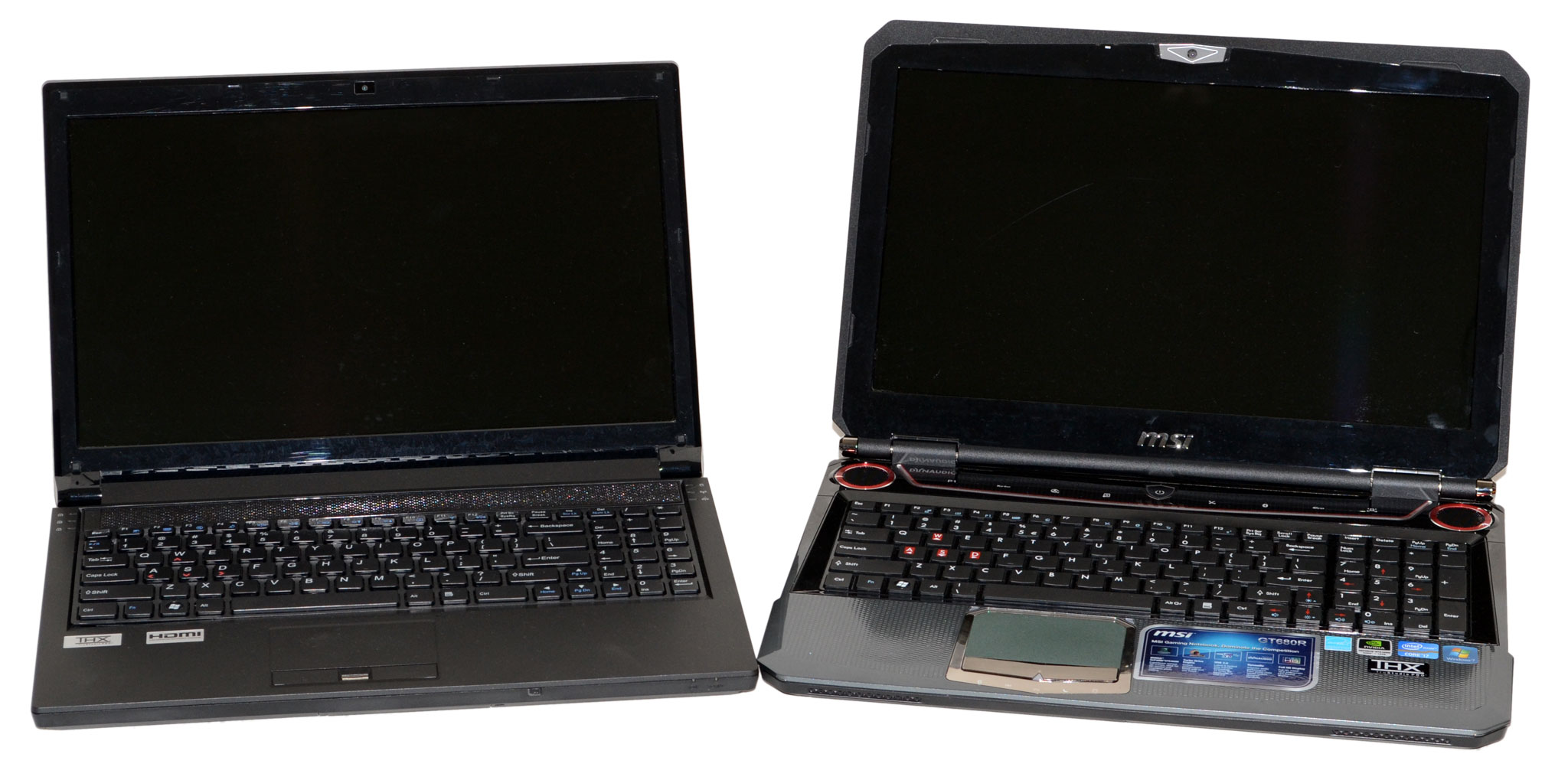
A review of MSIs Sandy Bridge laptop, the GT680
When MSI unveiled the new GT680R gaming laptop at CES this year, the company touted it as one of the "fastest, most powerful gaming notebooks in the world." As one of the first laptops to take advantage of Intel's Sandy Bridge processor, this laptop definitely packs plenty of power. Under the hood, you'll find NVIDIA GeForce GTX 460M graphics with 1.5GB of video memory, 8GB of DDR3 system memory, and two 500GB 7,200rpm hard drives.
The GT680R isn't MSI's only new notebook to offer a Sandy Bridge processor. Like MSI's other products based on the second generation Core processors, the GT680R offers USB 3.0 connectivity as well as the MSI Turbo Drive Engine for easy, one-touch overclocking. This 15.6-inch laptop supports full HD (1980x1080) with its LED-backlit display. There's also a HDMI port for outputting content from the notebook onto larger displays. The GT680R also comes with Dynaudio speakers and THX TruStudio Pro for a more true-to-life sound quality experience.
Read the full review here.
www.customdesktops.moonfruit.com
Subscribe to:
Posts (Atom)
